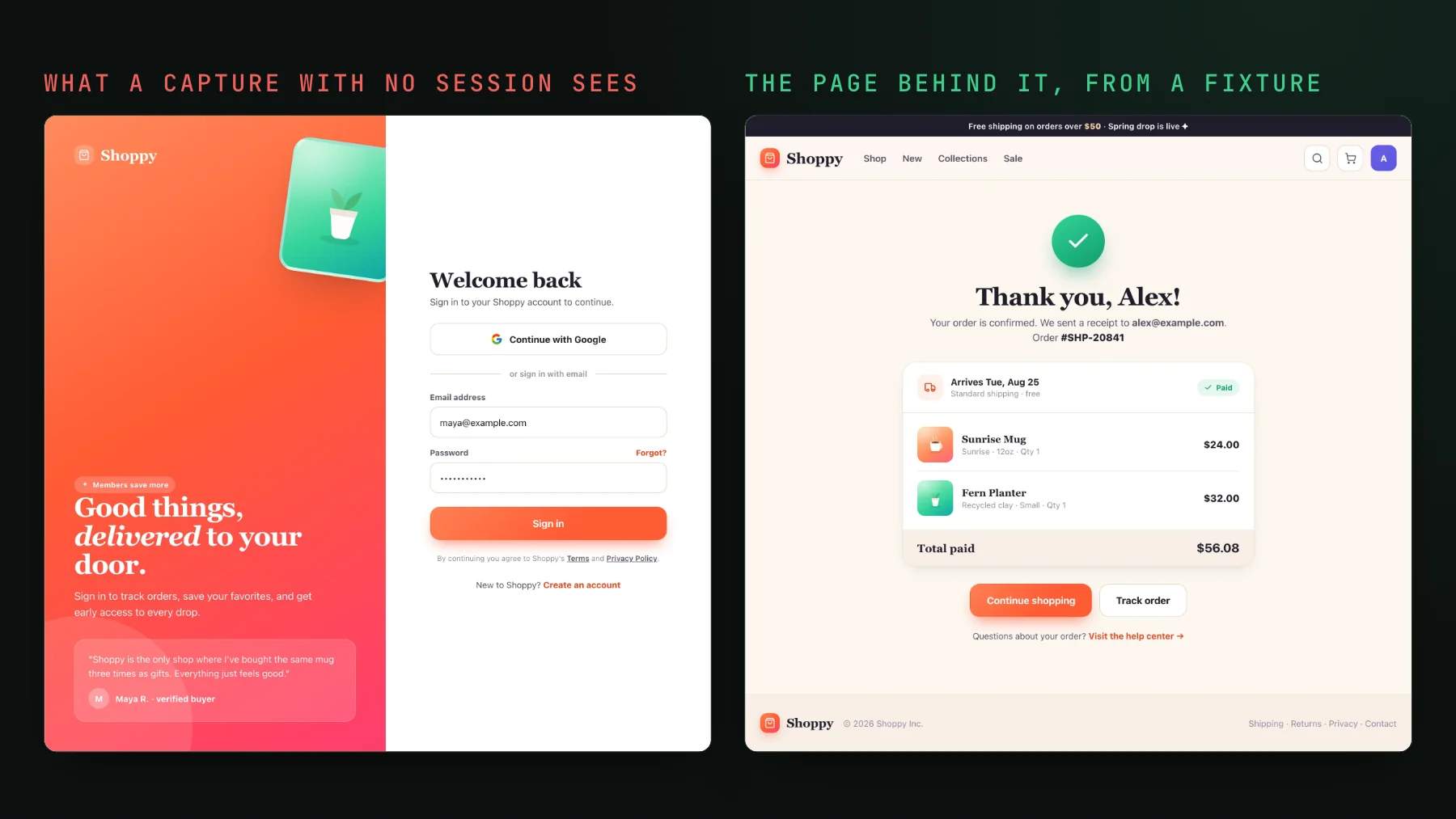
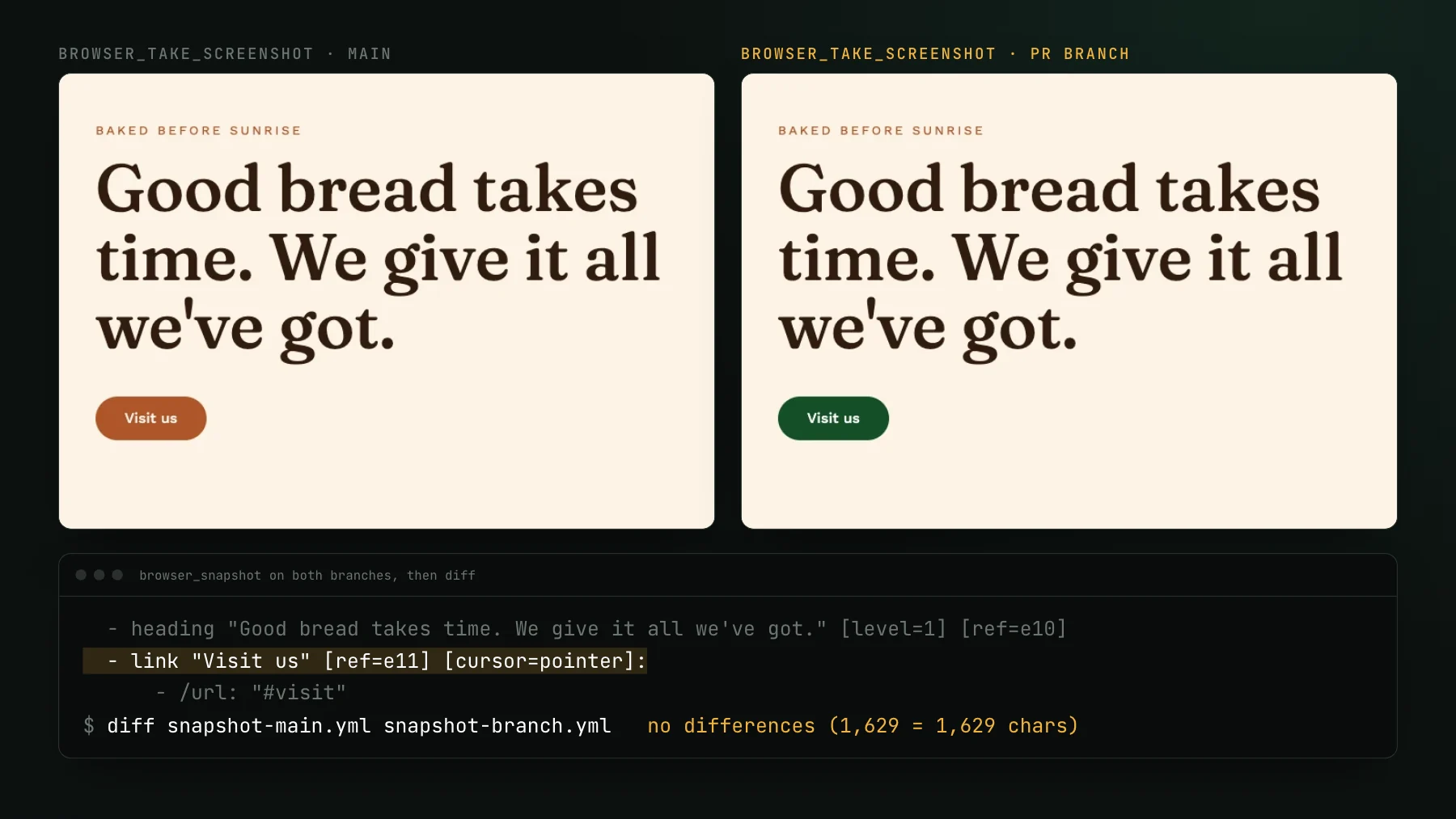
No Storybook? Visual test your running app
Visual testing without Storybook: most agentic teams have no component tests to reuse, so point Playwright at your running app and screenshot real pages.
 Igor LuchenkovBuilding UI Verify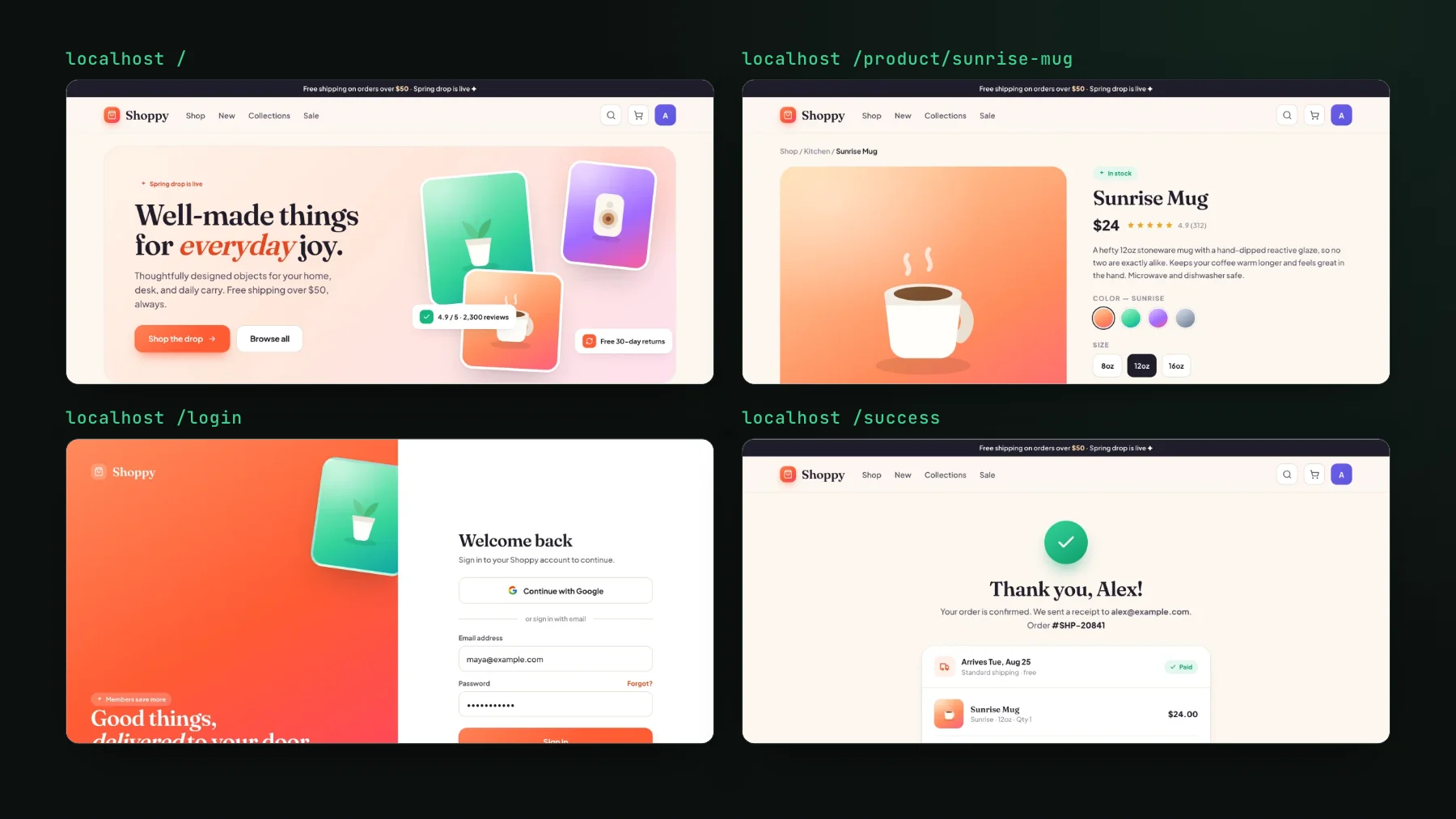
On this page
You do not need Storybook to do visual testing. Point Playwright at a handful of routes in your running app, screenshot each one, and diff every screenshot against a known-good baseline. No component library, no stories, no test harness to build first. This post is for the team that has none of that today, which, in my experience, is most teams shipping frontend with coding agents.
"Do you have Vitest or Storybook?" "Oh no."
Take a small product startup I looked at recently. Half a dozen developers touch the UI, everyone runs several agents, and several merges a day go straight to production. I asked how long their component tests take, because that is how long a visual check takes, and then asked whether they had Vitest or Storybook at all. The answer was "oh no". They have dozens of CI jobs, none of them required, and by their own estimate a few percent of pull requests ship a UI bug. So they batch-fix: "okay, now we are fixing all the buttons".
That call is not an outlier. Plenty of teams reject Storybook outright and build their own version instead: an internal experiments page holding every prop combination of the complex components, maintained by nobody in particular, which one of them calls Storybook minus minus. Nearly every guide on visual regression testing, including some of mine, opens with reuse the tests you already have. For these teams there is nothing to reuse.
Can you visual test with no Storybook at all?
If you can run your app locally or on a preview URL, you can visual test it today. You write a Playwright spec that navigates to a route, waits for the page to settle, and captures it. The one in our Shoppy demo does that for five routes in a single loop, at desktop and at phone width. UI Verify replays that capture in a controlled browser and diffs it against the baseline for that route. The Playwright quickstart is the setup; if you would rather not write Playwright at all, the screenshot quickstart takes finished PNGs and just manages baselines, diffs, and the PR check.
Pick a small, high-traffic set of routes and grow from there. Five to fifteen is a good first pass:
- The landing or marketing page, because it changes often and breaks without anyone noticing.
- The signed-in home view, with seeded data so it looks the same every run.
- One or two core flows mid-state: a filled-in form, a populated table.
- An empty state and an error state, the screens nobody opens on purpose.
- Any page that renders a component you edit a lot: the nav, a shared card.
That screenshot is from our own suite. UI Verify's dashboard is tested this way: four spec files, nine captures, one Chromium, one worker, zero retries. We tried two workers and reverted it, because two drill-ins contending for one dev server produced a flaky gate, and a flaky gate is worse than a slower one. Our specs pin the clock themselves before each page loads, and every capture renders in the cloud on identical hardware with animations frozen, fonts inlined, and the network sealed, which is why the diffs are trustworthy at all. The mechanics are in deterministic captures.
Where does the route-screenshot path stop scaling?
The route-screenshot path stops scaling once it grows into multi-step flows, because every login, click-through, and network wait is another thing that can time out or race. I want to be straight about the trap, because I fell into it. At a previous company I built a big end-to-end pipeline: deployed app, real browser, tens of minutes per run. It was so flaky I fixed it every week, and the only thing that fixed it for good was me leaving. When a check goes red often enough for the wrong reasons, people re-run it out of habit, and then the one run that is red for a real reason gets re-run too.
A route screenshot is not an end-to-end test, but it sits one step away from one. Every flow you add, log in, click through three screens, wait on the network, is another thing that can time out or race. So keep this layer thin. The balance I have landed on over the years is a lot of component captures and a tiny number of end-to-end checks, and at my day job that number is five, the simplest possible flows, none of which take screenshots. Component captures render one component with fixed data in isolation, run in seconds, and barely flake. The longer version of that argument is invert the testing pyramid.
So when do you add Storybook or Vitest?
When a page screenshot stops telling you which component moved. A route capture says the page looks right; a component capture says this one button variant looks right without the rest of the app around it. Once you have stories or browser-mode Vitest tests, UI Verify replays those directly with no new snapshot calls, so the day you add them you get finer-grained coverage for free. And you do not have to write them by hand: the reason my own stories stay maintained is that a coding agent writes them, following a rule in the repo. See stop writing Storybook stories by hand.
If you have nothing today, you can still start today. A handful of real routes through Playwright is a complete first visual suite, and it is more coverage than most agent-heavy frontends have right now. The setup skill walks a coding agent through wiring the first captures.
Start from the app you already run
Point Playwright at a few real routes and get a working visual baseline this afternoon. Add Storybook or Vitest captures later, only if you want them.
Start for freeNo credit card required.
Set up visual testing
From no visual tests to a green check on every pull request.