How to visual test authenticated pages
How to visual test authenticated, login-gated pages: render them from fixture data with no backend, or log in once with Playwright and reuse the session.
 Igor LuchenkovBuilding UI Verify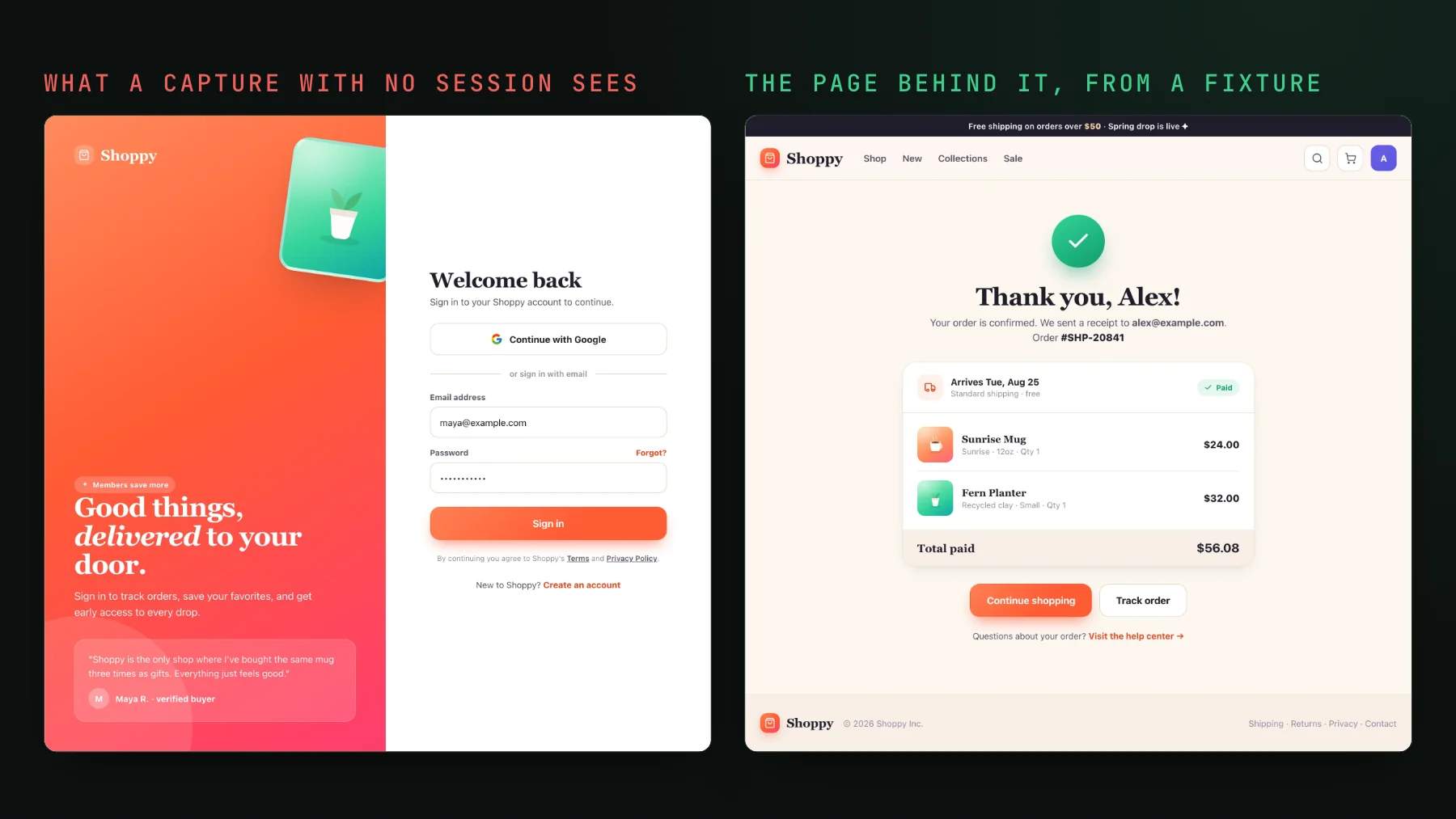
On this page
To visual test an authenticated page, either render it from fixture data as a Storybook story or a Vitest browser-mode test, so no login is involved at all, or log in once with Playwright, save the session's storage state, and start every capture from it. Authenticated pages are the most likely to regress and the hardest to screenshot, because a capture tool has no session and cannot walk through your login. Dashboards, account settings, billing, everything behind a token: that is where a broken layout ships unnoticed. Both of those paths hold up; the shortcut people reach for first does not.
The objection, and the shortcut people reach for
Imagine the review after the demo goes well. Everything works, and then someone says the thing that was actually in the way: we have pages you need to be logged in to see. The team does not want to hand its agent a user token, so the workaround becomes: describe the scenario, have the agent build a static HTML approximation of the page, and compare against that. Everyone in the room already knows it is not a great idea.
He is right. A hand-built copy of a page passes against the copy, not the page. The first time the real markup drifts, the check stays green over a screen that no longer exists. Every team that goes down this road ends up here.
Path 1: can you render the page without a login?
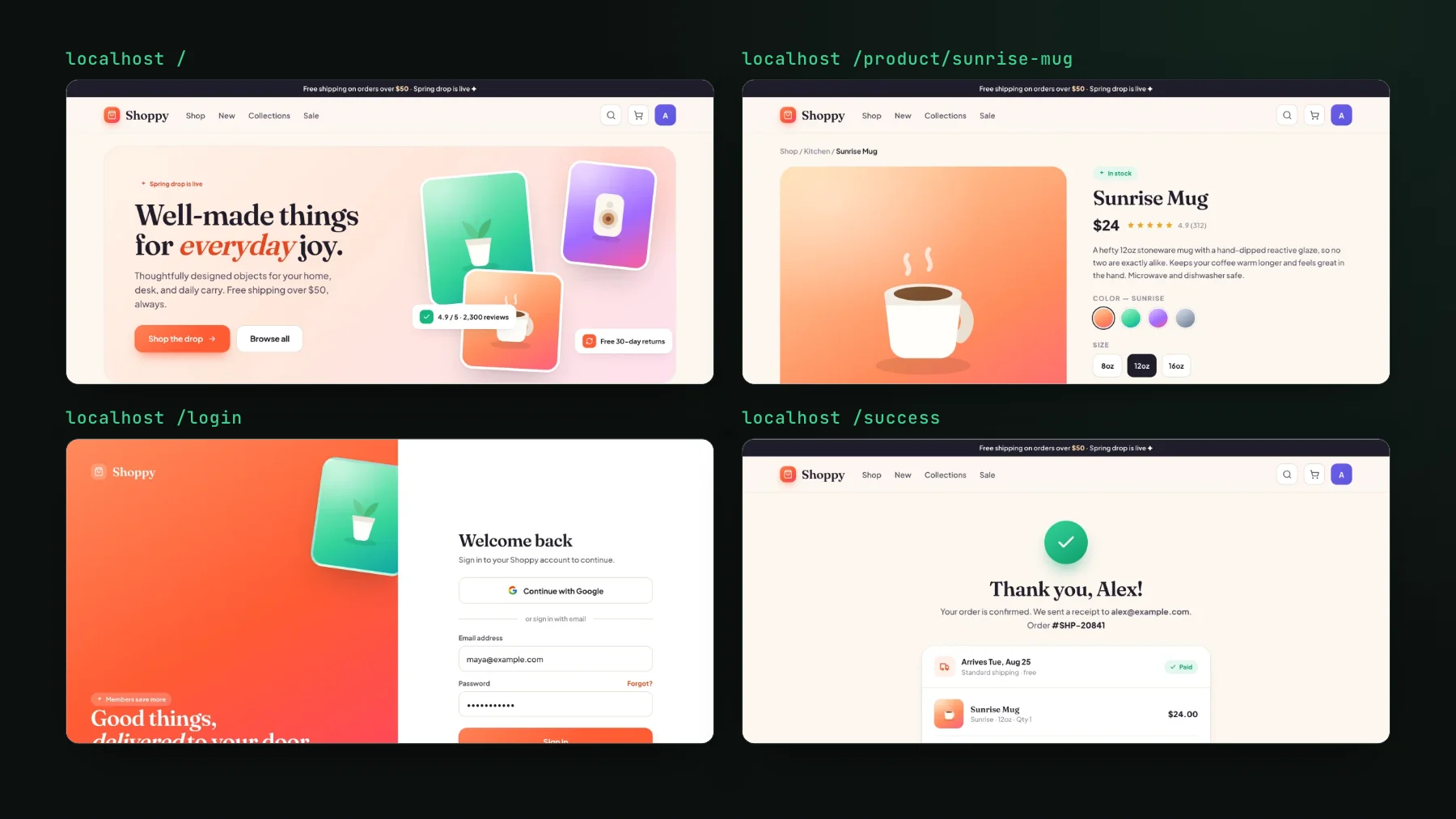
Yes, and it is the fastest and most stable path: never touch auth. Render the authenticated page as a Storybook story or a Vitest browser-mode test and feed it a fixed data object instead of a live API. The page does not know it is behind a login, because there is no login: there is a component tree and a fixture. You screenshot the settled result and it looks identical every run.
That is how almost all of UI Verify's dashboard is covered. Eighty-five story files render the real page components with fake teams and fake builds, including seventeen loading states, five empty states, and every load-error screen. None of them hit a backend. This is also where determinism lives or dies: a dashboard that reads live data diffs on the data, not the design. UI Verify freezes animations, seeds randomness, and inlines fonts for you, but the clock is yours to pin (our stories mock the date), and it cannot invent a stable data set for a page that fetches one. Mock the data and the capture is boring in the best way.
Start from the Storybook quickstart or the Vitest quickstart. Both replay tests you already have, with no new snapshot calls to write.
Path 2: how do you log in once and reuse the session?
For the flows where the backend genuinely is the thing under test, drive Playwright through a real login against a staging deploy, save the authenticated storage state once, and start every later capture from it, the pattern Playwright's authentication guide recommends (checked 2026-10-17). Our own suite does exactly this, and it is worth showing because CI has no browser to click a hosted login form. The global setup mints the same access token the real login callback would set, writes it into a cookie, and every spec starts signed in:
export default async function globalSetup() {
  const bot = await loginBot(); // password grant against the identity provider, no UI
  writeFileSync(STATE_PATH, JSON.stringify({
    cookies: [{ name: "__Host-wos-access-token", value: bot.accessToken, domain: "localhost", path: "/", httpOnly: true, secure: true, sameSite: "Lax", expires: Math.floor(Date.now() / 1000) + 3600 }],
    origins: [],
  }));
}

// playwright.config.ts
// use: { storageState: STATE_PATH }
Two details from that file that save you a bad afternoon. First, every spec asserts that the page did not bounce to the login URL before it captures anything, so an expired session fails loudly instead of archiving a login screen as the new baseline. Second, the analytics beacons are blocked in a beforeEach, because a tracking script that never stops talking means networkidle never arrives and you capture a half-loaded page. Then the spec is short: go to the route, wait for network idle, wait for fonts, capture.
authkit.app here) or the run passes and archives the sign-in form.- Deploy the branch to a staging environment with a seeded test account.
- Log in once in global setup and save the storage state.
- Point every visual spec at the saved state so it starts authenticated.
- Navigate to each critical authenticated page, wait for it to settle, capture.
- Keep this set small: only the flows a fixture render cannot cover.
Which path for which page
| Fixture render (story or Vitest) | Real login (Playwright) | |
|---|---|---|
| Speed | Fast, no network | Slower, real requests |
| Determinism | High, you own the data | Depends on the seeded account |
| Coverage | Most screens | A few critical flows |
| What it proves | The UI renders correctly | The full path works end to end |
Our dashboard has eight login-gated captures on the Playwright path and dozens of screens on the fixture path. That ratio is the one I would copy. The real-login captures are slower and depend on staging being up, so they pay off only where the response shape from the backend is part of what you are checking. Everything else is cheaper and steadier as a fixture.
One more reason to prefer the fixture path for anything sensitive: the pages behind a login are usually the ones showing customer data. A story rendered from a fixture never has any in the frame. A real-login capture against staging shows whatever the seeded account shows, so seed it with obviously fake records. Either way, the capture leaves your CI as rendered output only; the token in the storage state never leaves the runner.
Whichever path a page lands on, the visual check holds the PR until each change is reviewed, and with the AI judge on, it reads the PR intent and flags a real regression, so an accidental layout break on your billing page stops the PR instead of merging. The Playwright visual testing skill wires the real-login path, and the setup skill covers the fixture path.
Screenshot the pages behind your login
Render authenticated pages from fixture data, or log in once with Playwright and reuse the session, and the check holds the PR until every change is reviewed, with the AI judge flagging likely regressions. Free for the first 10,000 snapshots a month (50,000 for open-source projects).
Start for freeNo credit card required.
Deterministic Playwright captures
Stop real-page diffs that flake without a real change.