Stop writing Storybook stories by hand
You don't have to write Storybook stories or visual tests by hand. Add one CLAUDE.md rule and a lint guard, and your coding agent writes and maintains them.
 Igor LuchenkovBuilding UI Verify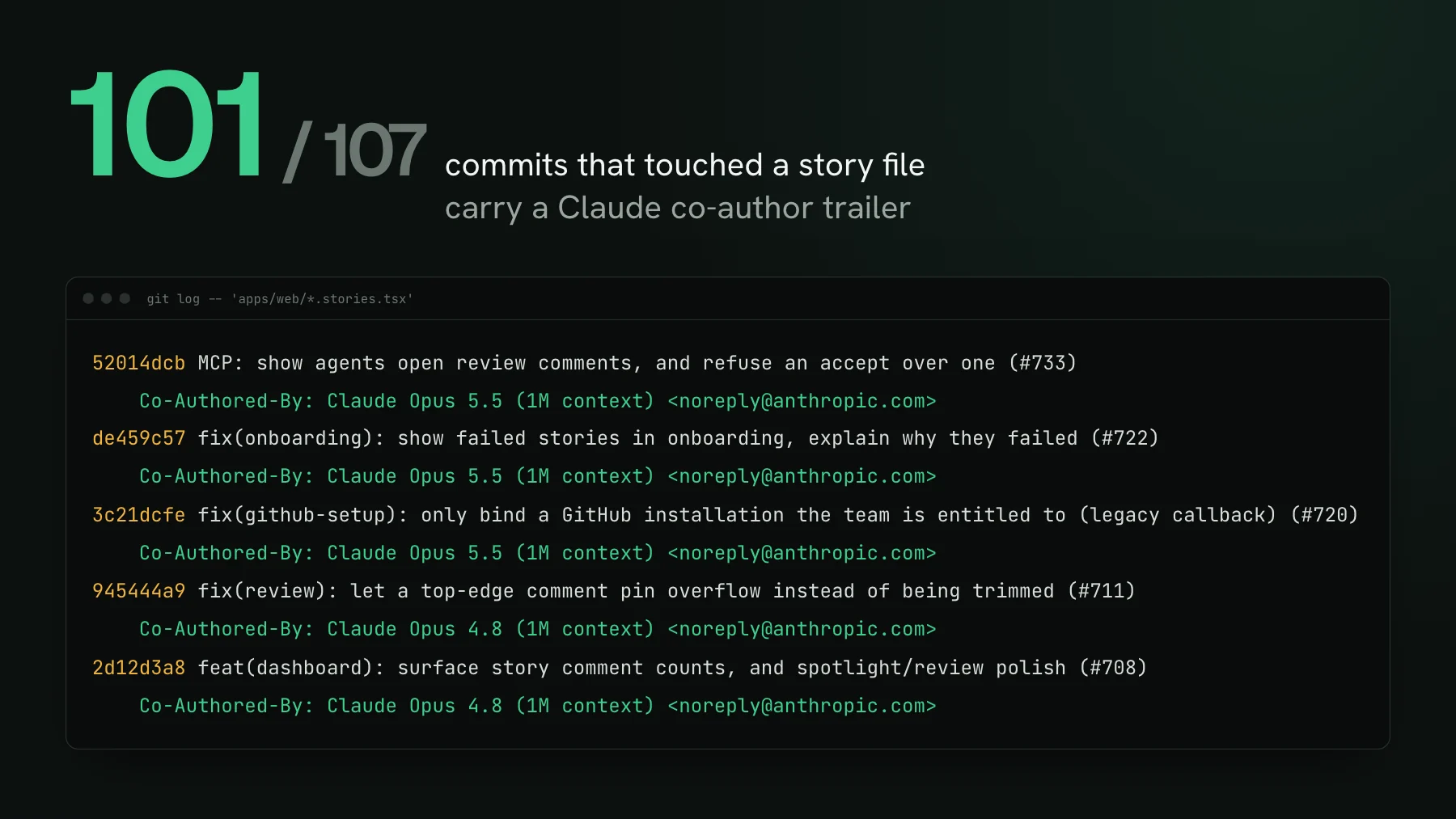
On this page
You can stop writing Storybook stories by hand: one rule in your CLAUDE.md tells your coding agent to write a story with every component, and a lint guard fails the build when it forgets. Every time I bring up Storybook, someone says the same thing: we tried it once, nobody kept it up to date, it rotted. That was true. It was true for me too, at two companies. But the reason it rotted, writing and updating every story by hand, is the exact part that changed.
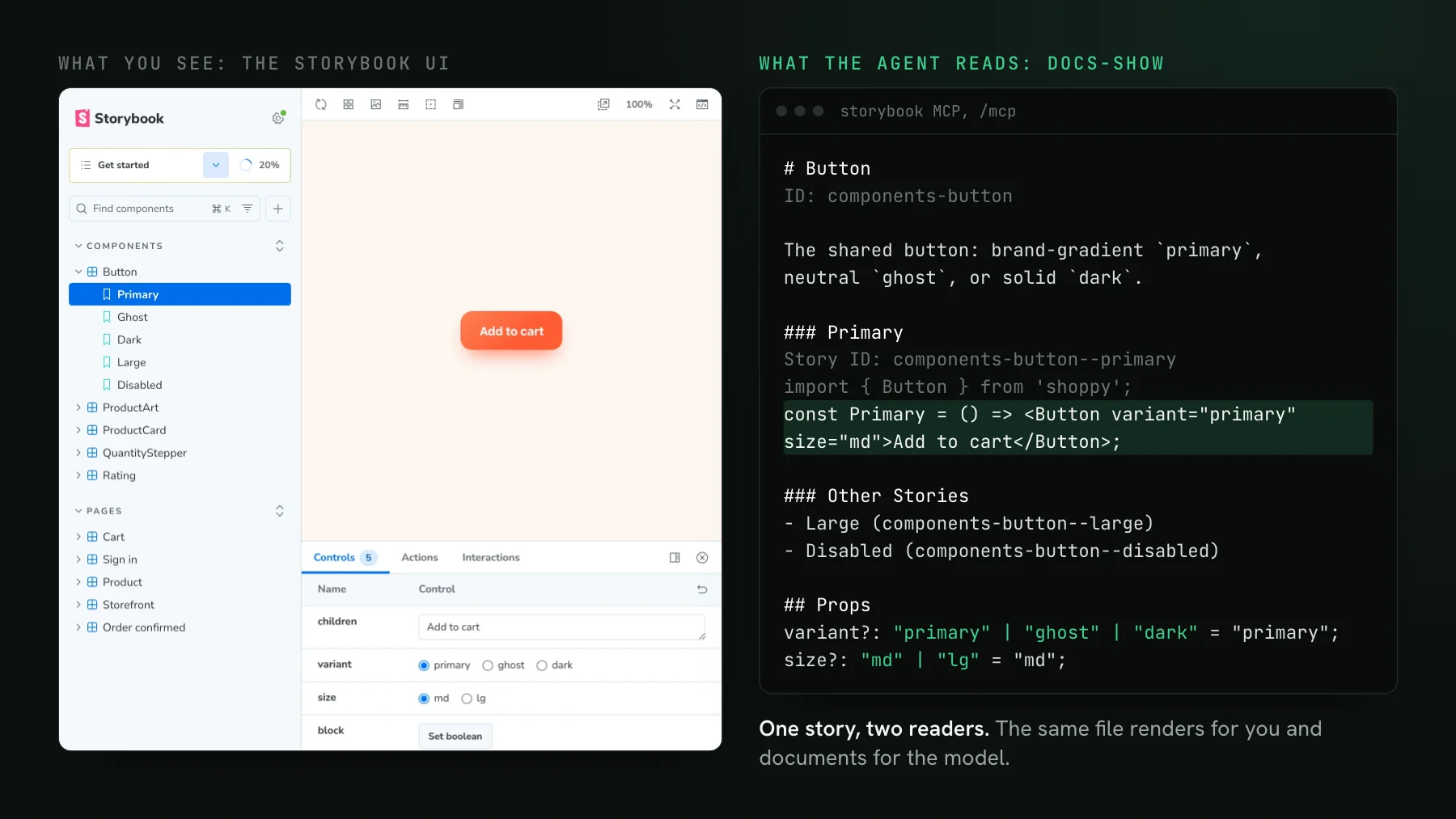
A Storybook story is a rendered state of a component, and it is also the input a visual regression test screenshots, so the agent that writes one has written the other. This is the same move that made types stick: you stopped arguing about whether to write them once the tooling wrote and checked them for you.
Why did nobody maintain Storybook?
Nobody maintained Storybook because stories were manual, optional, and had no consequence when skipped. The tool was never the failure. You add a component under deadline, you skip its story. A month later half the states are missing, the ones that exist are stale, and the whole thing reads as dead weight. Nothing in the pipeline ever went red because a story was absent, so absence was free. Remove those three properties, manual, optional, no consequence, and the rot has nowhere to start.
The rule: tell your agent to write the story
The first file every coding agent reads is your CLAUDE.md (or .cursorrules, or AGENTS.md, whatever your tool calls it). A rule there is read before the agent writes a single line, so it shapes the code instead of correcting it after. Add a rule that a story ships in the same change as the component:
## UI components
- Every new component and every new visual state gets a Storybook story
  in the SAME change. Do not ask whether to add one, add it.
- The story IS the visual test. If a component renders more than one way
  (loading, empty, error, a variant), the story must show each way.
- Prefer one story that maps through the states over many near-duplicate
stories, so the snapshot count stays low.That last line matters because every snapshot tool (Chromatic, Percy, Playwright screenshots, UI Verify) renders per story, and the hosted ones bill for it: Chromatic sizes its plans in billed snapshots and Percy in screenshots a month, both looked up on 2026-10-17. Telling the agent to consolidate states keeps the bill and the flake surface down from the start. There is a whole write-up on that in How to not spend a fortune on visual testing.
The guard: fail the build when a component has no story
A rule in CLAUDE.md is a polite request. Most of the time the agent honors it, but a request is not a guarantee, and the one time it slips is the one time you needed the coverage. A lint guard is the guarantee: a check that fails CI when a component has no story. Now the coverage is not discipline, it is a red build, and a red build needs no reviewer to notice it.
It is a dozen lines. Glob the components, assert each one has a sibling story file, exit non-zero with the list of the ones that do not:
import { globby } from "globby";
import { existsSync } from "node:fs";

const components = await globby("src/components/**/*.tsx", {
  ignore: ["**/*.stories.tsx", "**/*.test.tsx"],
});

const missing = components.filter(
  (file) => !existsSync(file.replace(/\.tsx$/, ".stories.tsx")),
);

if (missing.length) {
  console.error("These components have no story (your agent can add one):");
  for (const file of missing) console.error("  " + file);
  process.exit(1);
}
Point the glob at whatever you want covered. A Pages Router app can require a story per page with pages/**/*.tsx; an App Router app can use app/**/page.tsx; a design system can require one per component. Wire it into the lint script so it runs on every pull request. The first run will list every file that is behind. That list is the agent's backlog: hand it the output and it backfills the missing stories in one pass. Run unchanged on our own dashboard, it flags 143 of 227 component files, many of them already rendered inside a page story, which is the case for aiming the glob at pages rather than at every file.
What about Playwright and real-page visual tests?
The pattern carries over to real pages: if your visual coverage is driven by Playwright, the agent writes the capture, not you. The rule becomes every route gets a capture; the guard checks that every route in the router has a matching spec. With an archive-replay capturer like @uiverify/playwright the agent records the page once and the test replays that frozen archive, so the same rule-plus-guard pattern gives you a screenshot per route without a human writing the selector-by-selector script.
Isn't this just moving the maintenance somewhere else?
It is, and that is the point. You moved it off the human and onto the machine, exactly like types. You do not annotate every value by hand; inference and the compiler carry it, and you only step in where the type is genuinely ambiguous. Stories are the same now. The agent writes the common case, the guard catches the miss, and you spend your attention on the handful of states that actually need a human eye. And it compounds: when the agent gets a story wrong, you do not just fix it, you add a rule that says why, and it does not get that one wrong again. Our dashboard's story rule ends with that kind of reason: a "Build failed" panel once shipped with no story, so every new state now owes one.
How to set this up in an afternoon
- Add the story rule to your
CLAUDE.mdso the agent writes a story with every component, in the same change. - Add the
require-storiesguard to yourlintscript so a missing story fails the pull request. - Run it once, hand the agent the list of uncovered files, and let it backfill the missing stories.
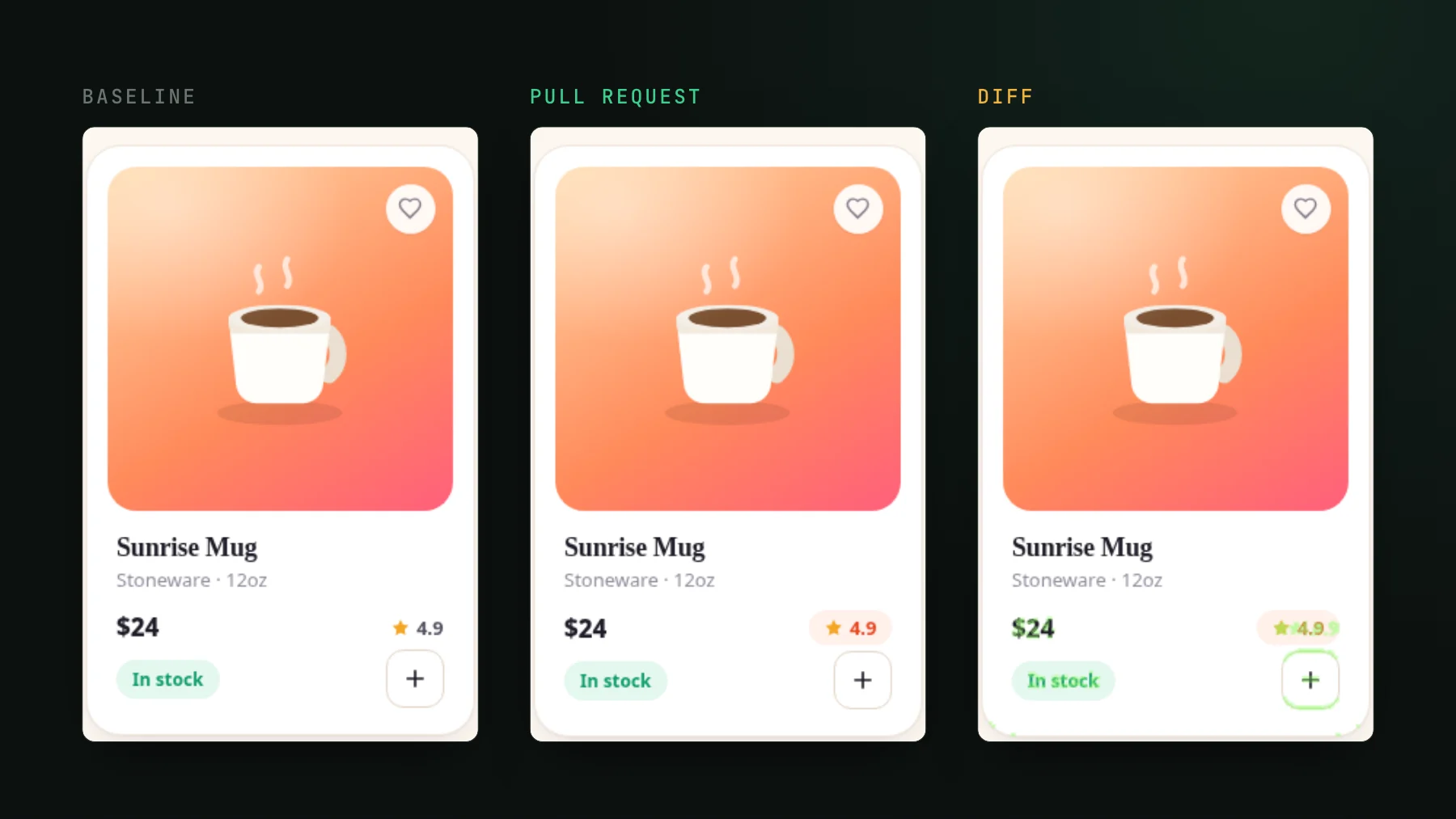
- Turn on visual testing so a changed story fails the PR with the diff, image and text, that your agent can read and reason over.
Stories stopped being a maintenance tax the moment they stopped being something a human types. In our dashboard, 101 of the 107 commits that touched a story file carry a Claude co-author trailer. They are your best line of defence on the UI, and now they cost almost nothing to keep. If you want the setup done for you, the visual-testing setup skill scaffolds the stories and the CI wiring, and it is free. Or browse all the visual-testing skills.
Let your agent write and check the stories
UI Verify is visual testing for you and your agents. It screenshots your stories on every pull request and an AI judge tells an intended change from a real regression, so you review decisions, not diffs.
Start for freeNo credit card required.
Set up visual testing
From no visual tests to a green check on every pull request.