Visual testing for coding agents: stop building your own
Engineers hand-roll Playwright visual testing for their coding agents. The four parts that are genuinely hard, and why a tool already assembles them.
 Igor LuchenkovBuilding UI Verify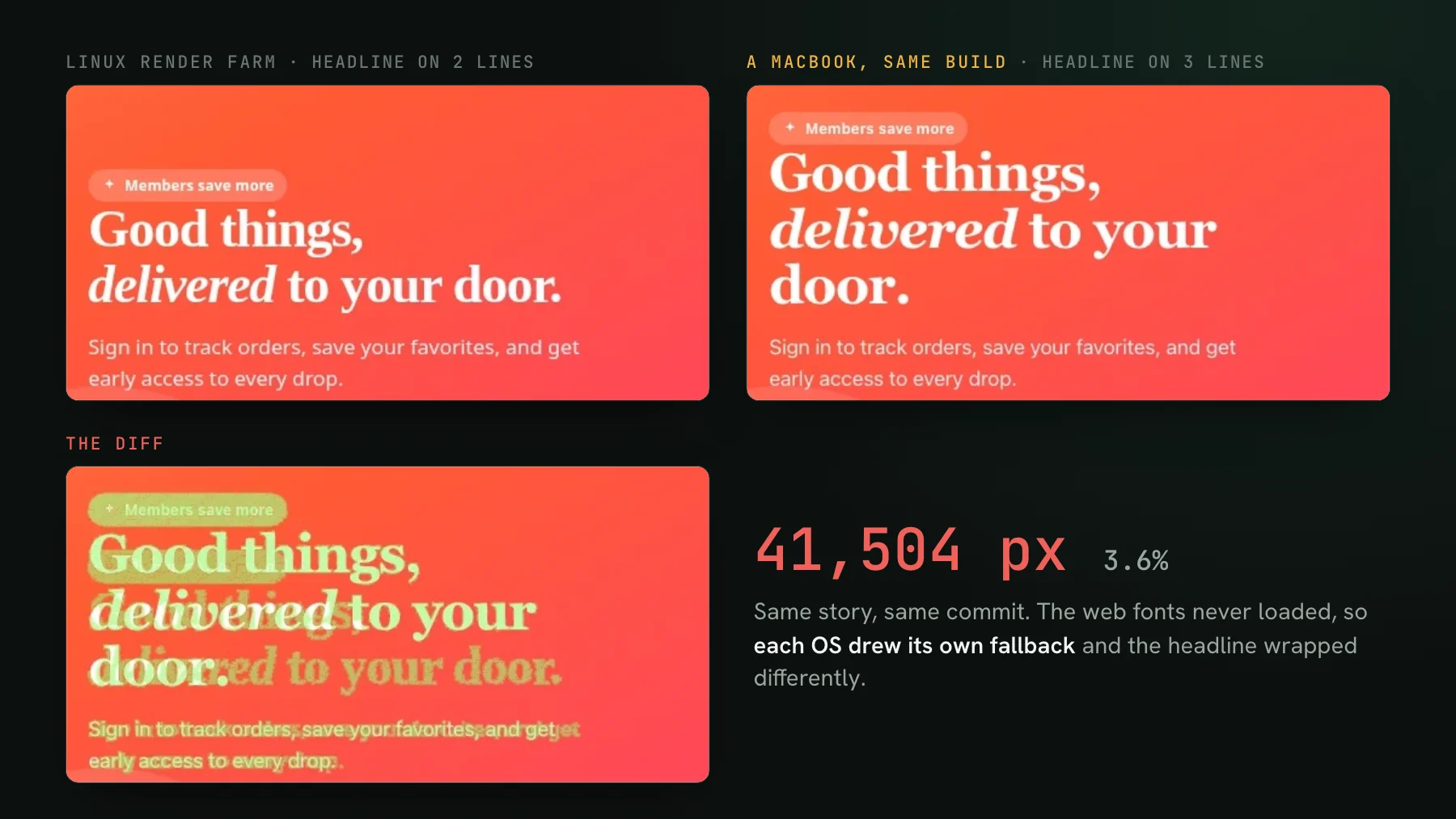
On this page
Every few calls, I meet someone who built their own visual-testing setup for their coding agent. Not bought one, built one. Usually it is Playwright screenshots bolted onto the test suite, plus a pile of scripting to make the images stable and to get the results in front of the agent. They are not wrong to have built it. Until recently nothing serious existed for the agent era, so people rolled their own. For why the agent era makes this non-optional in the first place, visual testing in the agent era is the wider guide; this post is about what those homegrown setups try to do, the parts that are genuinely hard, and why I think this is exactly the gap a real product should fill.
The usual first reaction is that it sounds simple: it is basically snapshot testing run through an agent, so why not build it in an afternoon? The afternoon gets you a screenshot and a pixel diff. The four parts below are the rest of the iceberg, and they are maintenance you own forever - which is the real build-versus-buy question: does standing up and keeping a homegrown version running cost more than the tool it would replace?
What a hand-rolled agent visual setup actually looks like
The homegrown versions I have seen all rhyme. One engineer built visual regression from scratch at a previous company: Playwright screenshots, every render frozen, the app's Redux state and API responses mocked so a component reaches a known screen, and a compare-against-baseline step on every CI run. He rated it, in his own words, super helpful. A different pattern shows up on the forward side, where the agent is writing UI: teams drive a real page with Playwright, then script a comparison against the Figma mockup - draw boxes around every text node, measure the offsets, count the pixels that moved - so the agent has something to check its own work against. Same instinct, different reference image. And more than one team has reached for a cloud browser or a container just to get the capture off a single laptop.
Strip away the details and every one of these is reaching for the same four things:
- Deterministic capture, so a diff means a real change and not a rendering coincidence.
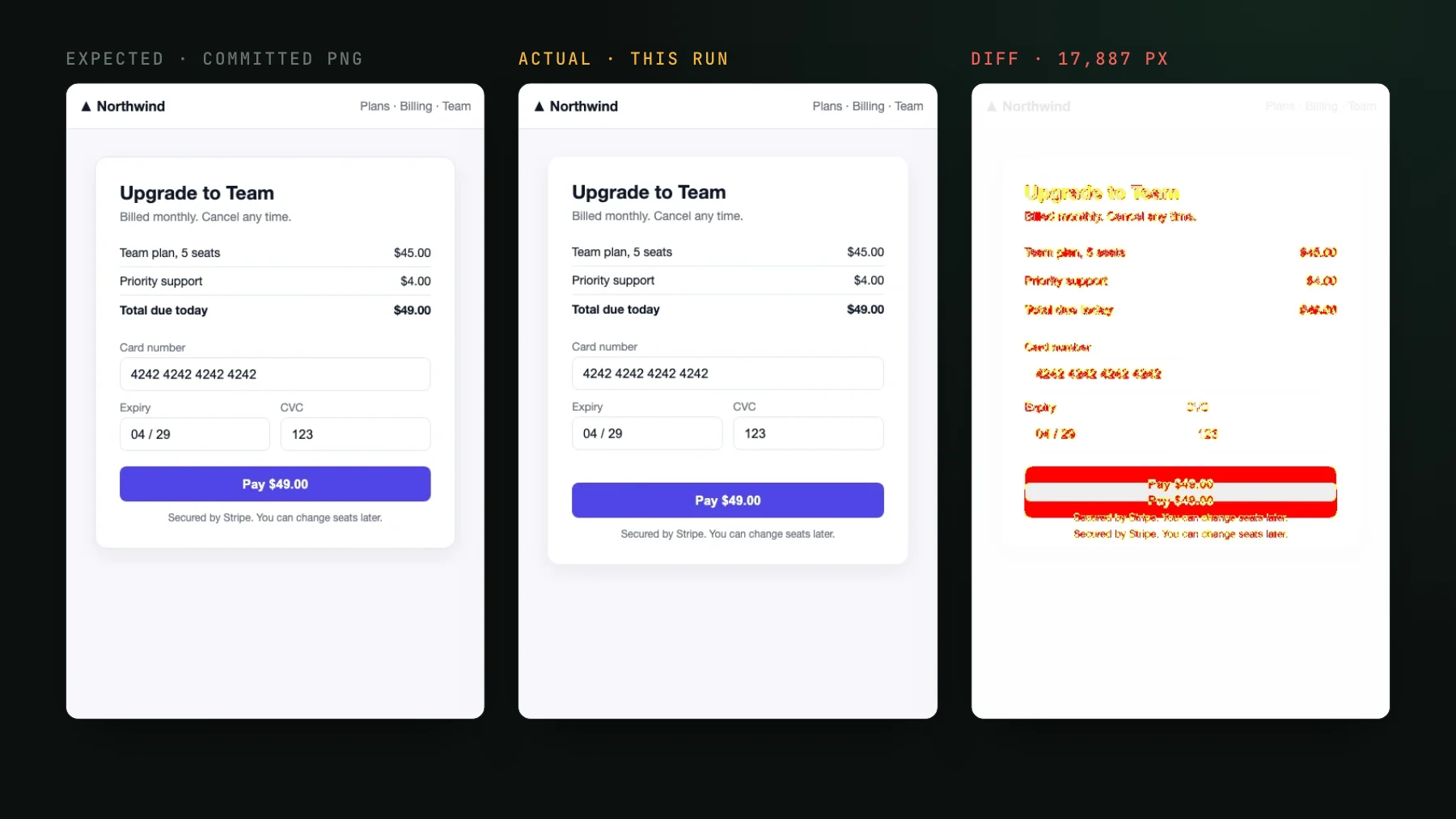
- A diff the agent can reason over, not just a red X on the build.
- Capture that runs somewhere other than one developer's machine.
- A way for the agent to reach the results and act on them.
Each of those is harder than it looks. Here is where the effort actually goes.
Hard part 1: determinism across machines
The first wall every rig hits is that the same page screenshots differently on two machines. Fonts hint differently, an anti-aliased edge lands on a different sub-pixel, the GPU rasterizes a hair differently, and a render that is identical in logic comes back a few pixels apart across two developers' laptops, enough to fail the build for no real reason. In the render below, one page from one build came out 41,504 pixels apart on Linux and on a Mac. The usual answer is to pin one shared environment so every screenshot runs on identical hardware. Then freeze animations, because a running animation lands on a different frame each time. Then mock the state, because live data is never the same twice.
That is real work, and it is only the OS half of the problem. The clock, feature flags, fonts that load a beat late, and a third-party widget that renders when it feels like it all flake a screenshot the same way. Neutralizing each source by hand is a project in itself, and it is the tax you pay before you have caught a single regression.
Hard part 2: a diff the agent can reason over
A raw pixel diff tells you something moved. It does not tell you whether it should have. For an agent that distinction decides everything, and it is where the homegrown versions run out of road. The same engineer named the real limitation himself: your baseline is captured from the running app, which may already contain a bug. So the diff catches code-versus-code changes and never design-versus-code ones - the design never participated in the test, and a bug baked into the baseline slips through until a human notices.
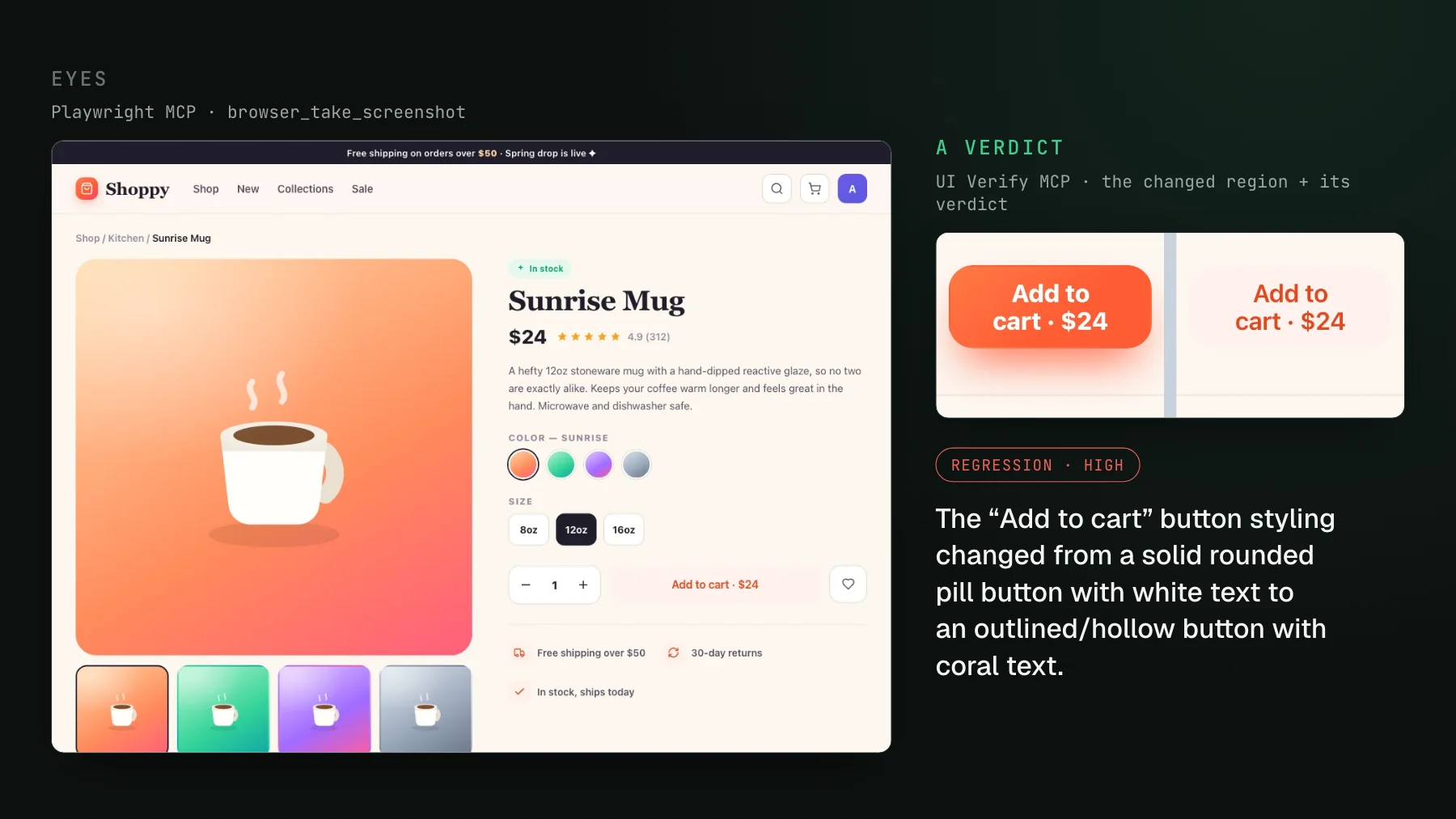
The Figma-comparison setups are the same problem pointed the other way. Comparing the agent's output to the mockup is design-versus-code, which is the missing half, but a bounding-box pixel count still cannot tell an intended restyle from a regression. It only knows the numbers differ. What an agent needs is a verdict: this change is intended, or this change is a regression. A delta cannot give it that. Producing the verdict reliably is a genuinely hard problem, and it is not one a diff script solves.
Hard part 3: capture that scales off your laptop
The Docker image is one machine's answer to determinism, but it does not scale, which is why the cloud-browser hacks show up. Running captures on your own hardware means your visual suite competes with your dev loop for the same cores and memory, and a real UI has hundreds or thousands of states to render. Someone eventually spends a week wiring capture onto a fleet of remote browsers so it stops fighting the laptop. That is infrastructure work that has nothing to do with your product, and it is load-bearing: get the environment even slightly inconsistent across the fleet and you are back to hard part 1.
Hard part 4: an MCP so the agent can reach the results
This is the part almost every homegrown setup skips, because most of them predate agents needing to close the loop. Even with stable captures and a good diff, the results sit in a CI log or a dashboard the agent cannot read. An agent can pull a failing unit test out of the console and fix it. It cannot see a screenshot. So to make visual testing part of the agent loop at all, you have to hand the agent the specific diff image and its verdict in a form it can parse and act on - the same way it reads a stack trace. That is an MCP server, and building one over your own rig is a whole second project on top of the first.
The assembled version
Put those four things together and you have stopped describing a rig and started describing a product. A Playwright archive-replay capturer plus an AI judge plus an MCP is the assembled version of what people keep rebuilding. Each piece maps straight onto a hard part above:
- Archive-replay is determinism, handled. The capturer records what the page actually rendered into a static archive at record time, then replays that identical archive on a fixed cloud fleet. A seeded
Math.random, inlined cross-origin fonts, a fetch-once image cache, a hermetic network, andprefers-reduced-motionare neutralized for you, so you skip the Docker-parity and animation-freezing work entirely. - The AI judge is the verdict. It labels each change a regression or an intended change and holds the pull request when it flags a regression, so the agent gets a decision, not a pixel delta.
- Cloud render is the fleet you would have built. Capture runs off your laptop by default, sized for a suite with a lot of states.
- The MCP is the last mile. Your agent reads the exact diffs and verdicts over MCP and accepts the intended ones, closing the loop the hand-rolled rigs left open.
Where to start
If you already drive real pages with Playwright, the Playwright visual testing quickstart turns your existing tests into a visual check on every pull request with an import swap, no Storybook required. To see the fourth part working, triage with your agent walks through the agent reading the diffs over MCP and accepting the intended ones. Or grab the Playwright visual testing skill and let your agent wire the whole thing up.
Stop rebuilding it yourself
UI Verify is the assembled version: a Playwright archive-replay capturer, an AI judge that tells an intended change from a regression, and an MCP your agent uses to triage and accept. Visual testing for you and your agents, without the Docker-parity sprint.
Start for freeNo credit card required.
Deterministic Playwright captures
Stop real-page diffs that flake without a real change.