UI Verify vs Applitools: which is right for you?
UI Verify vs Applitools, a decision guide. When Applitools' enterprise Visual AI and render grid win, and when an agent-native tool that replays your tests fits better.
 Igor LuchenkovBuilding UI Verify
On this page
Applitools is the enterprise incumbent in visual testing, built around a mature Visual AI: root-cause grouping across similar diffs, self-healing locators, and a very large cross-browser and cross-device render grid. It is deep, it is established, and it has shipped AI review and MCP access too. I build UI Verify, so weigh what follows accordingly. For the point-by-point feature grid, see the spec sheet; this post is about the decision. If you are weighing more than these two, see the best Applitools alternatives.
Who each tool is built for
Among the teams I have worked with this year, from five-person studios to forty-engineer product companies, I have not met a single Applitools user. Plenty on Chromatic, some on Percy, a few on Argos or BackstopJS, many on nothing. That is not a knock on Applitools. It tells you who it sells to: it is sales-led, priced by quote, and lands in organisations with a QA function and a procurement process. The teams I talk to are five to forty engineers, agent-heavy, and picking a tool on a Tuesday afternoon. If you are the first kind of organisation, this post may not be for you, and that is fine.
What does Applitools do better?
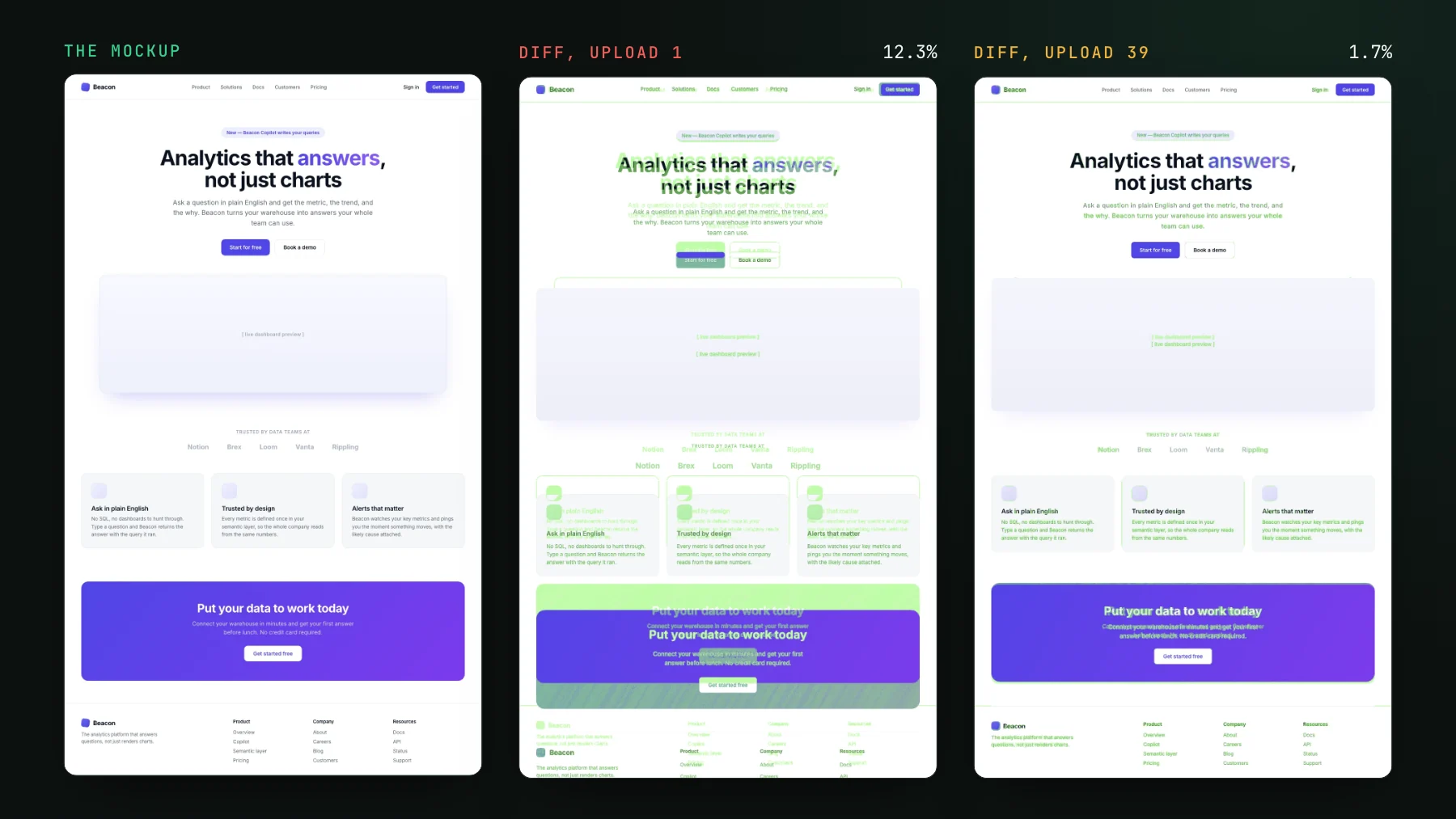
Breadth and enterprise depth. Its Visual AI has years of tuning behind it, including grouping related changes so one root cause does not show up as fifty separate diffs. Its render grid spans a matrix of browsers and devices that matters when your support commitment is genuinely that wide. And it carries the enterprise apparatus, the integrations, the support tiers, the controls, that large organisations need. Those are real strengths. UI Verify renders Chromium by default with Firefox and WebKit as an opt-in on the Storybook path, and has no device cloud; if you need a real Samsung, we are not it.
What does UI Verify do differently?
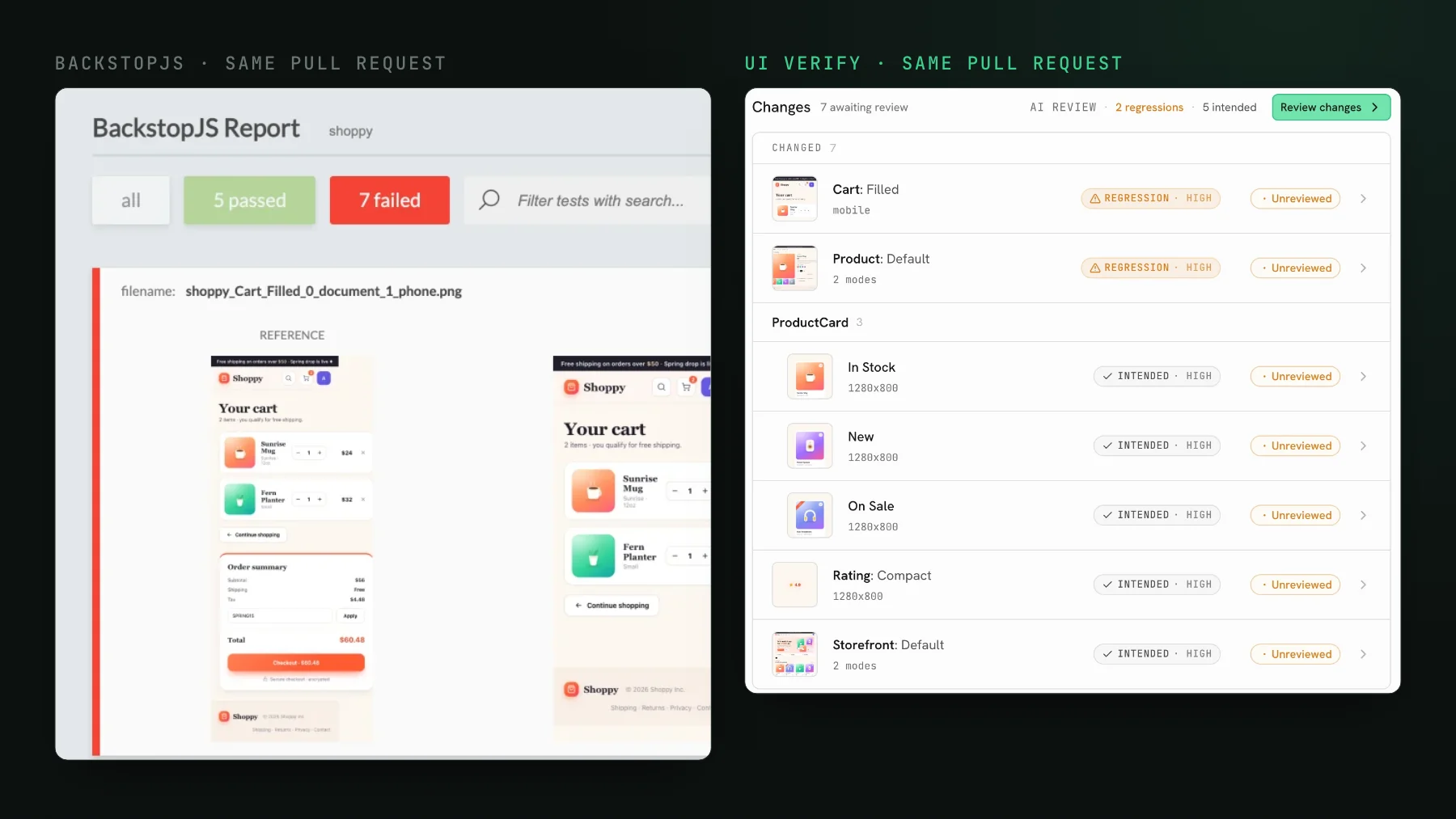
It assumes a coding agent, not a person clicking through a dashboard, is reviewing the change. Results come back over MCP so the agent reads per-story diffs and verdicts and accepts baselines from the terminal. The AI judge labels each change intended or regression by reading the PR description, and holds the PR on a regression. And there are no snapshot calls to author: it replays the Storybook stories, Playwright tests, or Vitest browser tests you already run, with determinism handled in the cloud render.
I want to be careful about the AI claim, because both tools have one and "AI-powered" tells you nothing. Here is what ours measures. On a labelled set of 67 real changes from our own and customers' builds, the judge agrees with the human label 82% of the time. We tried several improvements and none beat it, and one made it worse: giving the judge a memory of earlier renders dropped it to 73%, because the history contains real development changes it then vouched for as noise. The judge costs us about two cents per verdict. I do not have Applitools' equivalent numbers, and I would ask them for theirs before comparing.
Pick Applitools when
- Your problem is breadth: a large cross-browser and cross-device matrix to satisfy, and its render grid is exactly that job.
- You already have the investment: teams trained on it, integrations wired, a contract in place. The switching cost is real and staying is often right.
- You need root-cause grouping across many similar diffs, or formal enterprise support, as a hard requirement.
Pick UI Verify when
- Your PRs are increasingly written by coding agents and you want the diff read and triaged by the agent over MCP, with the PR held on a regression.
- You would rather replay existing tests than write and maintain snapshot calls.
- You want to start on a Tuesday afternoon: the free tier is 10,000 snapshots a month, 50,000 for open source, then from $89 a month for 30,000 and $0.004 per snapshot beyond, all on the pricing page.
| Applitools | UI Verify | |
|---|---|---|
| Browser and device matrix | Very wide render grid | Chromium, Firefox, WebKit; no device cloud |
| Agent reads and triages the diff over MCP | Available | The core design |
| Snapshot calls to author | Depends on setup | None, replays existing tests |
| Buying | Sales-led, quote | Self-serve, free tier |
| Existing enterprise investment | Strong reason to stay | A migration to weigh |
Both tools have an AI judge, both offer MCP access, and both do serious visual testing. The split is what your team looks like. A wide enterprise matrix with an existing investment leans Applitools. Agent-written PRs where you want the diff triaged by the agent and nothing new to author leans UI Verify. Read the full comparison and decide against your own constraints; the triage skill is the quickest way to feel what agent-side review is like.
If you are moving from Applitools
There is no migration in the usual sense, because there are no snapshot calls to port. Your Storybook stories, Playwright tests, or Vitest browser tests are the visual tests already, so the move is a CI step plus a project key, and the first build seeds baselines for review. Run both for a sprint on one repo before you decide anything; the free tier makes that a zero-cost comparison, and you will know within a week whether agent-side triage changes how your team reviews.
See how agent-native triage feels
UI Verify replays your existing tests and hands per-story diffs and verdicts to your coding agent over MCP. Try it on the free tier before you commit either way.
Start for freeNo credit card required.
Triage a build from your agent
Bucket real regressions vs noise and accept baselines, over MCP.