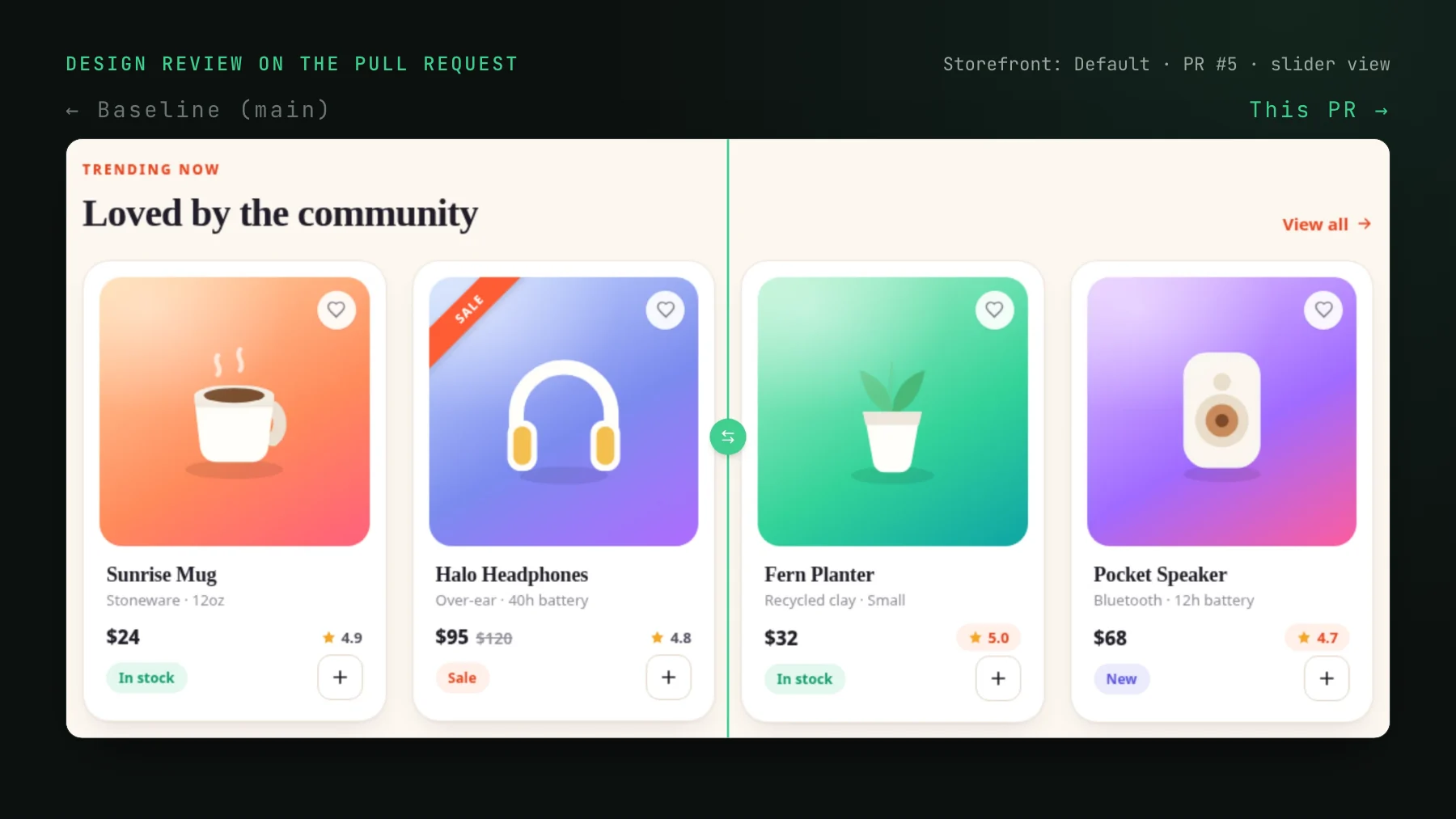
Before and after screenshots in every pull request
Screenshots in pull requests let review start with a glance. Where PR templates and preview bots fall short, and how to attach before and after automatically.
 Igor LuchenkovBuilding UI Verify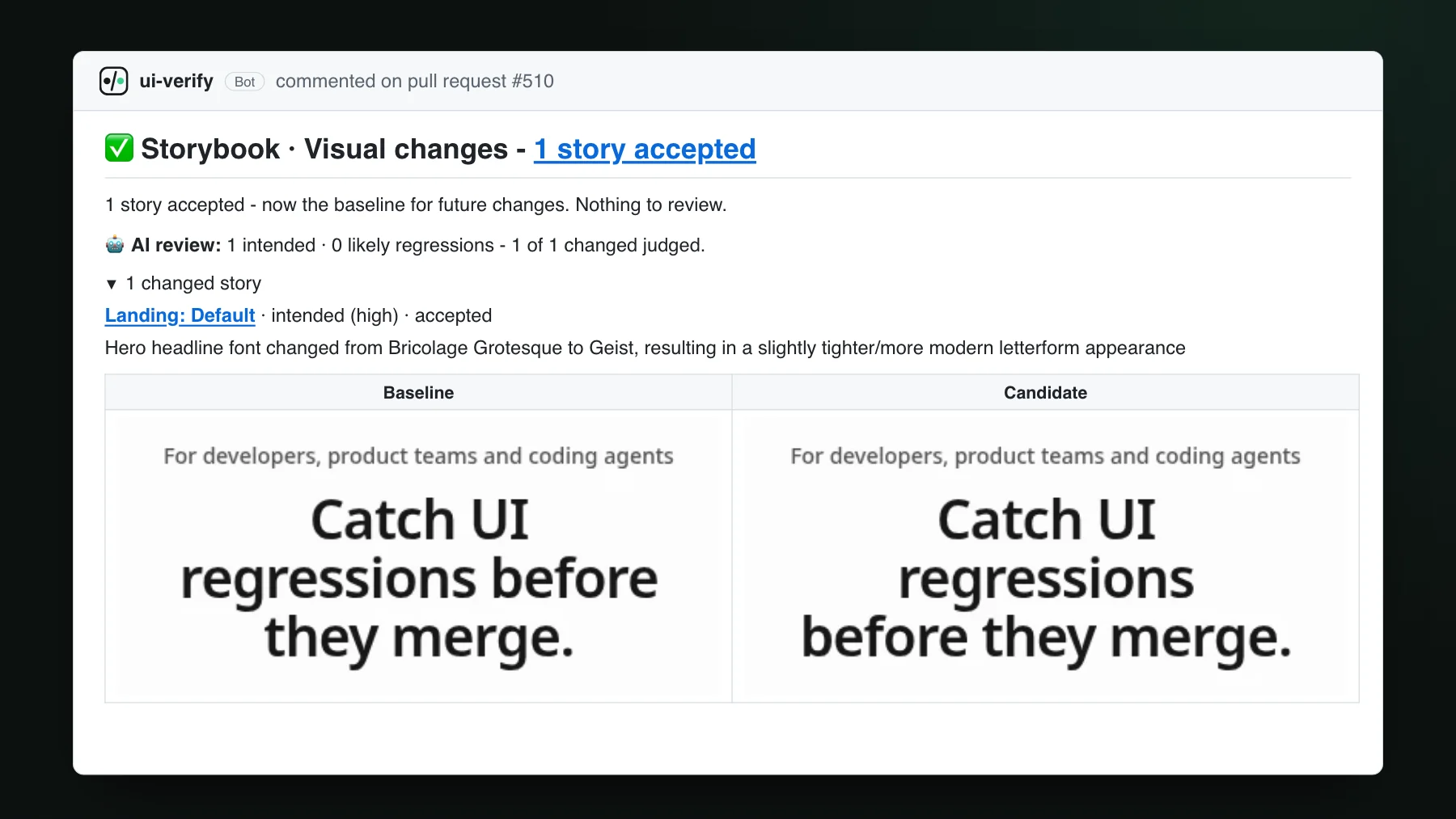
On this page
- What are screenshots in a pull request for?
- How do teams put screenshots in a pull request today?
- Why do manual PR screenshots miss changes?
- How do you add before and after screenshots to every pull request automatically?
- Who can review a pull request from its screenshots?
- Can a coding agent read the same before and after?
- Keep the template, drop the empty table
To get before and after screenshots in every pull request without asking the author, let CI capture the UI on each PR, compare every screen with the accepted baseline from the branch it merges into, and post only the changed screens, baseline beside candidate, in a comment on the PR. A PR template can ask for screenshots; only an automatic check makes sure every change has them.
The product manager notices it on a quiet afternoon: the pricing page still lists last quarter's seat limit on the Team plan. It is one string. They open the repo with a coding agent, change it, and the agent opens a pull request with a one-line diff. Then the change waits for an engineer.
The engineer who picks it up has two choices, and both are bad. Approve a one-line diff to a pricing component without seeing the page, and hope the new string fits the card on a phone. Or check out the branch, install, start the dev server, open the pricing page at desktop width and again at phone width, compare it against production in another tab, and come back to approve. Fifteen minutes of setup to look at one sentence. Multiply that by every copy tweak, banner and price change a marketing team ships, and the small edits end up costing more review time than the features.
That scenario is a composite, but the wish behind it is real. A frontend lead who looks after several marketing sites at a large software company described their magic wand in almost these terms: let the people who own the content change it themselves, and have the pull request arrive with screenshots already in it, showing what changed and whether anything else moved. Small changes, they said, take a disproportionate amount of time. The missing piece was never permission to edit. It was a review that does not start with a checkout.
What are screenshots in a pull request for?
Screenshots in a pull request are images of the user interface before and after the change, attached to the PR so a reviewer can see the visual effect without running the branch. A code diff tells the reviewer which lines changed; the before and after tells them what a user will see. For a UI change the second question usually comes first, and when the answer is a picture on the PR page, review starts with a glance instead of a local build.
Two details decide whether the screenshots actually get looked at. They have to be on the pull request itself, inline, not behind a link to another tool: when a PR changes three screens, nobody wants to click away to see three images. And they have to cover what changed, not what the author remembered to capture. Screenshots pasted in by hand get the first part right and leave the second to luck.
How do teams put screenshots in a pull request today?
By hand. The author captures the page before and after the change and drags both images into the PR description, where GitHub uploads them and shows them inline. Many repositories nudge authors to do it with a pull request template: a Screenshots section in .github/PULL_REQUEST_TEMPLATE.md with an empty Before and After table. The template is only a prompt, though. Someone still has to open the old version, capture it, capture the new one at the same size and scroll position, crop both, and upload them.
WordPress's Gutenberg repository runs this about as well as a project can. Its pull request template, as we re-read it on 2026-10-17, has a Screenshots or screencast heading and a two-column table with a comment inviting authors to use it when it helps, and contributors who fill it in produce a clean side-by-side, sometimes with a note about the viewport they used.
.scss or .css file: 43 of 167 went in with no image or video in the description.That is a strong result for a project with a real design culture and a template that asks for it, and it still leaves about a quarter of the stylesheet changes without a picture. A template can ask; it cannot check. On a busy afternoon, or for a change the author believes is invisible, the table stays empty and the reviewer is back to checking out the branch.
Even a filled-in table shows a single frame. The example above says it was taken at a 390px viewport, and it is a good screenshot; every other width the change reaches, the reviewer takes on trust. Plenty of authors also capture the after and skip the before, because the before means stashing the change or opening production in another tab.
Why do manual PR screenshots miss changes?
Because every one of them shows what someone chose to capture, and the regressions live in what nobody chose. The author frames the part of the page they edited, at the width their laptop happens to be. A change that also moves something below the fold, or wraps differently on a phone, is outside the frame by construction.
Our own pricing page is a good example. One pull request on our marketing site added the open-source tier, 50,000 snapshots and 500 AI reviews a month. The visible change is a banner under the plan cards, and a hand-made before and after would be a crop of that banner. The same pull request also added a new answer at the very end of the pricing questions, and on a phone the banner stacks into a centered card with its button underneath. Nobody would have framed all three.
How do you add before and after screenshots to every pull request automatically?
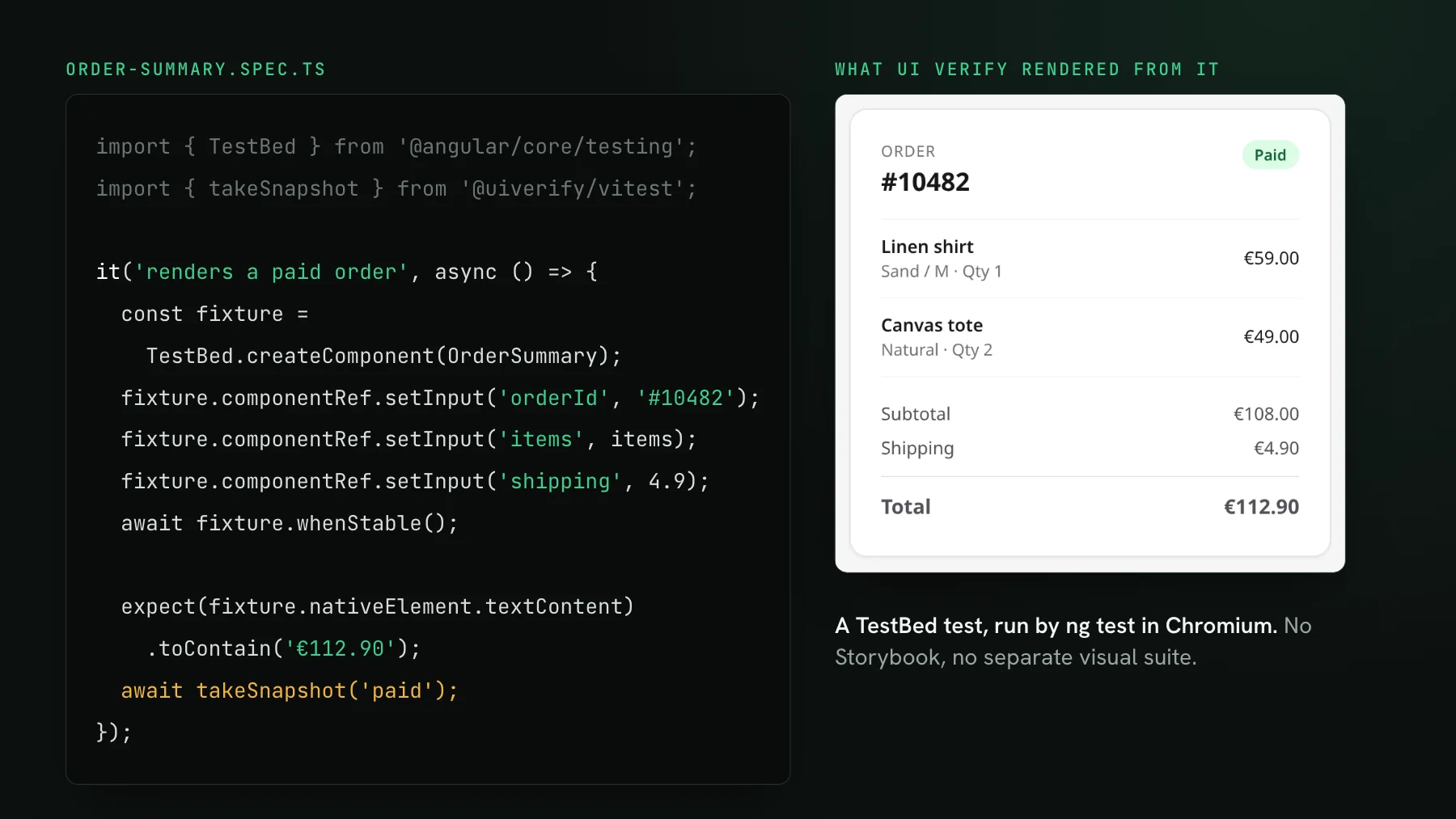
The version that does not depend on memory captures the UI on every pull request, compares each screen against the accepted baseline from the branch it merges into, and posts only the screens that changed. That is what UI Verify does with the Storybook stories, Playwright tests or Vitest browser tests you already run in CI: the Storybook and Playwright quickstarts cover the wiring, and a marketing site with no component stories can start from Playwright pointed at its pages. Each story renders at every viewport it declares through modes, so once a page declares a phone width, the phone layout is in every review.
The result lands on the pull request in two places. A status check reports whether there is anything to review, and a single comment, updated in place on every push, lists the changed stories. The cover of this post is that comment from one of our own pull requests, re-rendered here with its original text because the repository is private: the headline font on the landing page changed, the comment carries the baseline and the candidate side by side in a table, and one more click under each story opens the highlighted diff. When many stories change, the first few carry images inline and the rest are a link away, so a sweeping restyle does not bury the page.
Three things in that comment do the work a template cannot. The images come from the same renderer on both sides, so there is no stashing, cropping or lining up scroll positions. The AI judge reads the change against the pull request's own description and labels it intended or a likely regression, with a one-line summary of what moved; on our font change it said the headline swapped typefaces and that this was what the PR set out to do. And a This PR vs base section keeps the cumulative picture of the whole pull request, new, changed and removed stories, even after some of them were accepted on an earlier commit.
Accepting closes the loop on the same page. The story's link opens its review; accept it there and the check on the pull request turns green with no CI re-run, which matters once you make it a required check. A reviewer who wants the author to adjust something can comment on the exact pixels, and open threads appear inline in the same PR comment under the story they are about; collaborative review has the details.
Who can review a pull request from its screenshots?
Anyone who can read a picture, which is the point for teams where product and marketing edit pages. Once the visual effect sits on the PR, the work splits cleanly. The person who made the edit checks that the screenshot shows what they meant: the new seat limit, the banner, the copy. The engineer checks the code diff and glances at the before and after for anything the change should not have touched. Neither of them needs the branch running locally, and a one-line copy change goes back to costing one minute of review instead of fifteen.
Getting the non-engineers in is an owner action: invite them by email, and the invite becomes a membership the moment they sign in. Members can open builds, review flagged changes, and accept or reject baselines, so the product manager who changed the pricing copy can be the one who confirms it. They never need repository access to do that. When the edit itself came from a coding agent, as more and more non-engineer edits do, the agent can do its share of the review too.
Can a coding agent read the same before and after?
Everything in the PR comment is also available over MCP, so an agent can check its own pull request before a human looks at it. It lists the changed stories with the judge's verdict, fetches the before and after cropped to the change, reads any open review comments, and accepts what matches its intent. While a story has an unresolved comment the MCP will not accept it, so an agent cannot wave through a change someone has questioned. Triage with your agent walks through the tools, and the triage visual changes skill packages the loop as one command.
Keep the template, drop the empty table
Once screenshots arrive on their own, the PR template still has a job: the things only the author knows: why the change exists, what to look at first, which state is hard to reach. Replace the empty Before and After table with one line pointing reviewers at the visual check comment, and ask authors to describe intent in plain words, because that description is also what the judge reads. The pictures then come from CI on every pull request, including the one-line pricing fix nobody thought needed them. For the designer's side of the same workflow, see design QA on every pull request; for turning the check into a merge gate, see how to catch UI regressions in GitHub CI.
Put the before and after in every PR
UI Verify screenshots your stories and pages on each pull request and posts only the changed ones, baseline next to candidate, in a comment on the PR. A one-line copy fix gets reviewed in a glance.
Start for freeNo credit card required.
Triage a build from your agent
Bucket real regressions vs noise and accept baselines, over MCP.